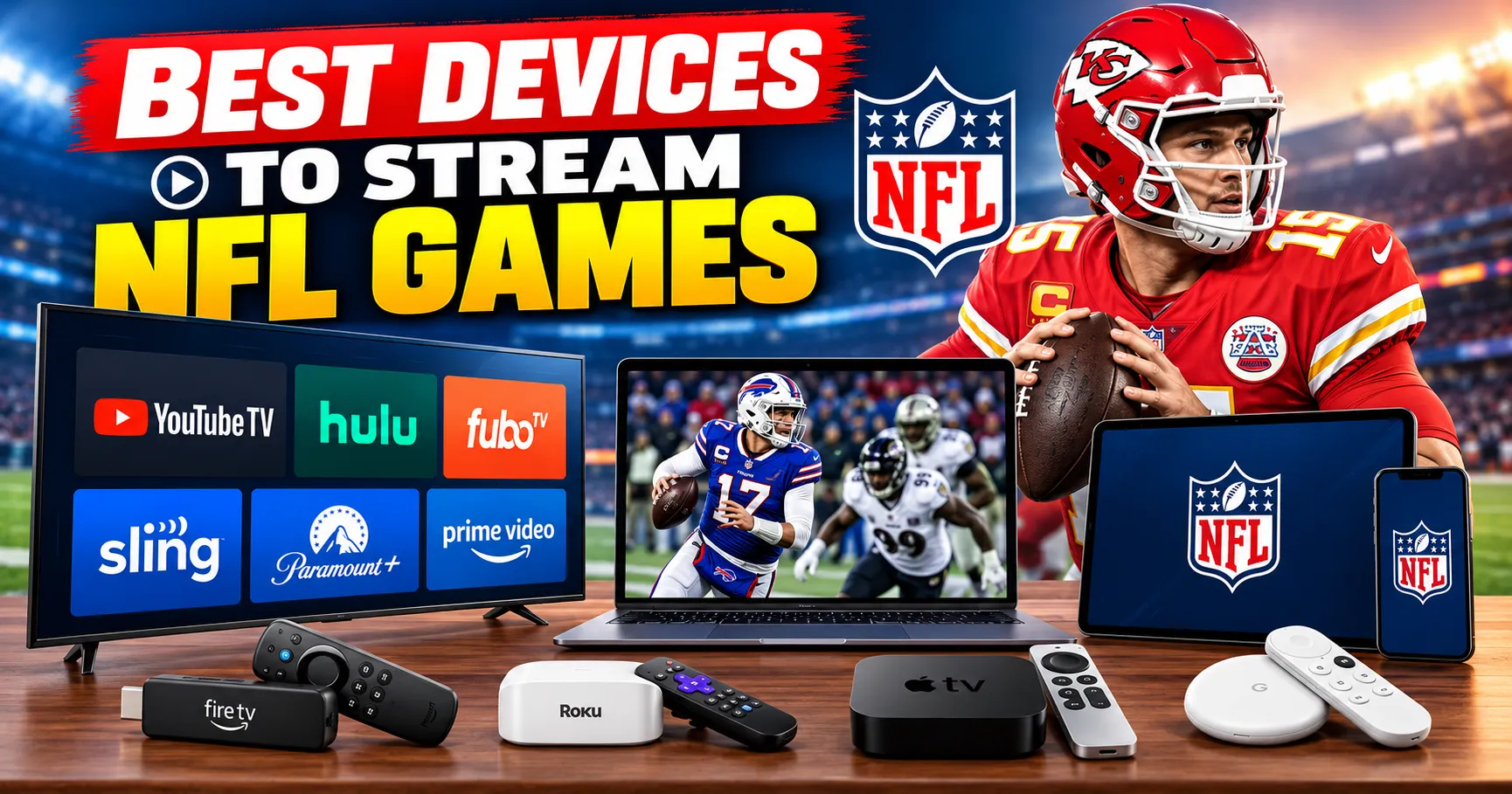
Watching NFL games at home is easier than ever, but choosing the right streaming device can make a major difference in picture quality, app performance, navigation, and overall viewing experience. The best devices to stream NFL games include Roku, Amazon Fire TV, and Apple TV, with each platform offering different features for football fans. Before choosing a device, it is also helpful to understand how to watch NFL games without cable in 2026 and which streaming services carry the games you want to watch.
Why Choose a Streaming Device for NFL Games?
A dedicated streaming device can turn a regular television into a connected entertainment system. Instead of relying on a cable box, viewers can access NFL games through supported streaming apps and services using an internet connection.
Roku, Fire TV, and Apple TV support many popular sports and entertainment applications. Depending on the service and your location, these platforms can provide access to live NFL broadcasts, out-of-market games, replays, highlights, and additional football programming.
For viewers who follow multiple NFL games throughout the season, a reliable streaming device can also make it easier to switch between applications, check live scores, and access different viewing options.
Roku for Streaming NFL Games
Roku is one of the most widely used streaming platforms and offers a straightforward interface that can be useful for NFL fans. Roku devices and Roku-powered televisions support a broad selection of streaming applications.
Key Roku Features
- Simple and easy-to-navigate interface
- Access to numerous sports and entertainment apps
- Support for HD and 4K streaming on compatible devices
- Voice search on supported Roku remotes
- Wide availability across different television brands
- Affordable device options for different budgets
Roku can be a practical choice for viewers who want a simple streaming experience without requiring a large number of advanced settings.
Amazon Fire TV for NFL Streaming
Amazon Fire TV provides another popular option for watching NFL games and other sports content. Fire TV devices integrate closely with Amazon's ecosystem and provide access to a large selection of streaming applications.
Key Fire TV Features
- Alexa voice control on supported devices
- Access to major sports and streaming applications
- Support for HD and 4K streaming on compatible models
- Fast navigation on newer Fire TV devices
- Integration with Amazon services
- Multiple device and television options
Fire TV can be particularly convenient for viewers who already use Amazon services and want voice control when searching for games, teams, or streaming applications.
Apple TV for NFL Streaming
Apple TV is positioned as a premium streaming platform with a strong focus on performance, interface design, and integration with the Apple ecosystem. It supports a variety of sports and entertainment applications and is available in models capable of high-quality video output.
Key Apple TV Features
- Powerful hardware and responsive navigation
- Support for 4K HDR on compatible models and televisions
- Clean and organized user interface
- Integration with Apple devices and services
- Voice search through Siri
- Access to a wide range of sports applications
Apple TV may appeal to viewers who already use iPhone, iPad, or other Apple products and want a streaming device that fits into that ecosystem.
Roku vs Fire TV vs Apple TV Comparison
| Feature | Roku | Fire TV | Apple TV |
|---|---|---|---|
| Ease of use | Simple | Easy to use | Highly intuitive |
| Voice control | Available on supported models | Alexa | Siri |
| 4K support | Available on compatible models | Available on compatible models | Available on compatible models |
| Sports apps | Wide selection | Wide selection | Wide selection |
| Apple ecosystem integration | Limited | Limited | Strong |
| Amazon ecosystem integration | Limited | Strong | Available through apps |
| Device variety | Wide range | Wide range | More limited |
Picture Quality for NFL Games
Picture quality is important when watching football because fast-moving plays, player movements, uniforms, field markings, and scoreboard graphics can benefit from a sharp and stable image.
All three platforms offer devices capable of high-definition streaming, while selected models support 4K and HDR. However, the final picture quality depends on several factors, including the streaming service, internet connection, television, available broadcast resolution, and the specific device being used.
Internet Speed and NFL Streaming
Even the best streaming device cannot compensate for an unreliable internet connection. NFL games are live broadcasts, so buffering or connection interruptions can be particularly frustrating during important plays.
For a smoother experience, viewers should use a stable broadband connection and ensure that their streaming device has a strong connection to the home network. Ethernet can also be useful on supported devices when Wi-Fi performance is inconsistent.
Using Streaming Services on These Devices
The device itself does not determine which NFL games you can watch. Game availability depends primarily on the streaming service, broadcast rights, your location, and the type of NFL package or subscription you have.
For example, some NFL games are carried by traditional broadcast networks, while other games are available through dedicated streaming services or subscription packages. Viewers should check the current NFL schedule and the availability of each game before subscribing.
For a detailed understanding of kickoff times, broadcast windows, and game-day viewing options, see NFL TV Schedule 2026 Explained: Kickoff Timings.
Roku vs Fire TV vs Apple TV: Which Features Matter Most?
Ease of Navigation
If you frequently switch between NFL games and other sports applications, a simple interface can save time. Roku is known for its straightforward interface, while Fire TV provides Alexa-powered controls and Apple TV offers a polished interface with strong integration across Apple products.
Voice Search
Voice search can make it easier to locate teams, games, applications, and entertainment content. Fire TV uses Alexa, Apple TV uses Siri, and supported Roku devices provide voice search capabilities.
4K and HDR
If your television supports 4K or HDR, choosing a compatible streaming device can help you take advantage of the capabilities offered by supported content. However, viewers should check whether the specific NFL broadcast and streaming service actually provide the desired resolution and HDR format.
App Availability
Before buying a device, check that the streaming services you plan to use are supported on that platform. This is particularly important for NFL fans who subscribe to multiple services during the football season.
NFL Sunday Ticket and Streaming Devices
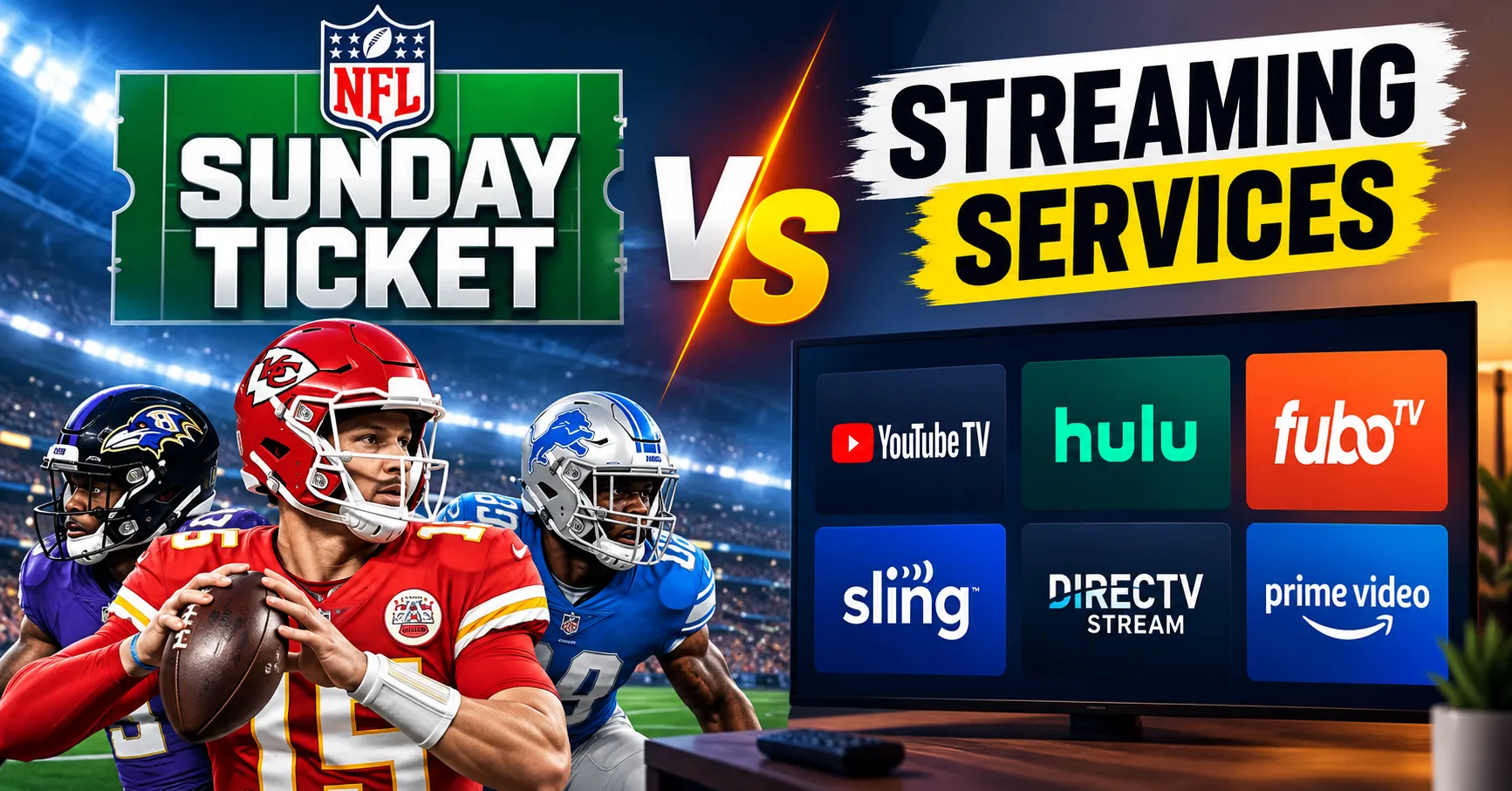
NFL Sunday Ticket is designed around access to out-of-market Sunday afternoon NFL games, making it particularly relevant for fans who want to follow teams that are not regularly shown on their local television broadcasts.
The viewing experience can vary depending on the device, service, subscription, and available features. Fans comparing NFL Sunday Ticket with other streaming options can learn more from NFL Sunday Ticket vs Streaming Services | Features, pricing and comparison.
How to Choose the Best Streaming Device for NFL Games
Choosing between Roku, Fire TV, and Apple TV depends on your television, budget, existing devices, preferred streaming services, and desired features.
- Choose Roku if you want a simple interface and a broad range of affordable streaming options.
- Choose Fire TV if you prefer Alexa voice control and use Amazon services regularly.
- Choose Apple TV if you want premium hardware and strong integration with Apple's ecosystem.
It is also important to consider whether the device supports the video quality of your television and the streaming applications you intend to use throughout the NFL season.
Tips for a Better NFL Streaming Experience
- Use a reliable high-speed internet connection.
- Keep your streaming device software updated.
- Check app compatibility before purchasing a device.
- Use Ethernet when available if Wi-Fi is unstable.
- Choose a device that supports your television's resolution.
- Check the NFL broadcast schedule before game day.
- Review subscription requirements for individual streaming services.
- Consider your complete seasonal streaming cost rather than only the device price.
Final Thoughts
Roku, Fire TV, and Apple TV can all provide access to NFL streaming services, but they offer different approaches to navigation, voice control, hardware performance, ecosystem integration, and pricing. The best option for your setup depends on the television you own, the streaming services you use, and the features that matter most to you.
Before purchasing a device, check the NFL games and streaming services you plan to watch, confirm that the required applications are supported, and make sure your internet connection and television can deliver the desired viewing quality. With the right combination of device, service, and internet connection, football fans can build a flexible setup for watching NFL games throughout the season.